
Desbloquear TracFone Samsung para cualquier sim
Desbloquea tu Samsung de TracFone para usar cualquier tarjeta SIM de cualquier red, con un código de desbloqueo de nuestro servicio de desbloqueo en línea. Con una tasa de éxito del 100%, garantizamos desbloquear su teléfono de TracFone de forma rápida, fácil y legal.
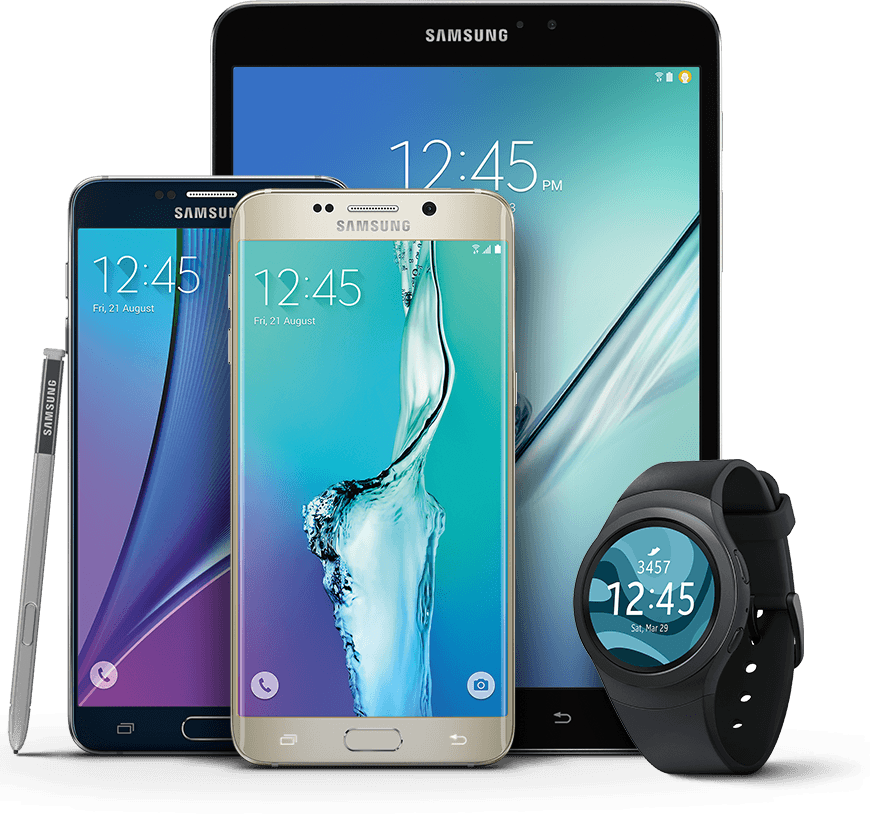
Desbloquee su Samsung permanentemente desde TracFone hoy por un excelente precio.
Entrega de desbloqueo en 24 horas
Desbloqueo instantáneo para muchos teléfonos en la red TracFone.
Desbloqueos internacionales
Su Samsung funcionará en cualquier red del mundo, así como en TracFone.
Tu teléfono está seguro
Conservas tu dispositivo durante todo el proceso de desbloqueo. Su garantía no se ve afectada.
Legal, seguro y garantizado TracFone Samsung Desbloqueos en 3 simples pasos usando PhoneUnlocks
Quickly and easily unlock your TracFone Samsung remotely without voiding your warranty
Proporcione los detalles de su dispositivo
Elija la red del phone que desea desbloquear y proporcione el número IMEI. Detectaremos automáticamente el modelo por usted.
Procesamos tu desbloqueo
En cuanto realice su pedido, nuestro sistema contactará de forma segura con su operador e iniciará el proceso de desbloqueo. Puede seguir el estado de su solicitud en tiempo real en nuestra página de seguimiento. La mayoría de los desbloqueos se completan en 15 minutos; los casos complejos pueden tardar hasta 24 horas.
El teléfono está listo
Una vez procesado, el desbloqueo permanece activo incluso después de actualizaciones de software o reinicios. Recibirás una confirmación por correo electrónico y notificación push. Los dispositivos Apple se procesan de forma remota, y los demás reciben un código de desbloqueo autorizado.


Calificado 4.7 de 5 basado en 162 Reseñas Verificadas
Product reviews of TracFone Samsung Carrier Unlock
Preguntas frecuentes
-
PhoneUnlocks es uno de los proveedores más rápidos de desbloqueos económicos y mundiales para la red TracFone. Normalmente desbloqueamos un Samsung en TracFone al instante, a veces esto puede tardar un poco más dependiendo de algunos factores. Ofrecemos un servicio de seguimiento en vivo para mantenerlo actualizado sobre el progreso.
-
Nunca. Desbloqueamos su Samsung en TracFone 'por aire' usando 3G/4G o WiFi o enviándole un código de desbloqueo; nuestro método es completamente remoto. Su Samsung está seguro durante todo el proceso y no habrá interrupciones en su servicio TracFone. El seguimiento está disponible durante todo el proceso de desbloqueo.
-
El desbloqueo con IMEI es el método oficial y más seguro para desbloquear tu Samsung de TracFone y se realiza de forma remota desde la comodidad de tu hogar. Un desbloqueo de software es otra solución, pero generalmente invalidará su garantía, tendrá que descargar algún software complicado y luego no podrá actualizar su Samsung.
-
Desbloquear con nosotros es súper rápido, solo proporcione su IMEI de 15 dígitos (Marque *#06# en su dispositivo bloqueado) y red/proveedor, nuestro sistema procesará automáticamente su dispositivo identificándolo de forma remota y solicitando un desbloqueo oficial del dispositivo Samsung de TracFone.
-
En marzo de 2013, la administración Obama y la Comisión Federal de Comunicaciones expresaron la opinión de que los consumidores deberían poder cambiar de operador y conservar sus teléfonos existentes en respuesta a una petición exitosa en la plataforma WhiteHouse.gov.
La Ley de Desbloqueo de Elección del Consumidor y Competencia Inalámbrica se promulgó el 1 de agosto de 2014 y, como resultado, ahora es completamente legal desbloquear su teléfono.
-
Absolutamente, incluso si su Samsung tiene contrato con un proveedor de la red. Es posible que deba pagar un precio adicional si hay un saldo pendiente adeudado.
Popular Samsung Devices on TracFone
- Unlock TracFone Samsung (Other)
- Unlock TracFone Samsung A3
- Unlock TracFone Samsung A5
- Unlock TracFone Samsung Galaxy A01
- Unlock TracFone Samsung Galaxy A02
- Unlock TracFone Samsung Galaxy A10
- Unlock TracFone Samsung Galaxy A11
- Unlock TracFone Samsung Galaxy A12
- Unlock TracFone Samsung Galaxy A20
- Unlock TracFone Samsung Galaxy A21
- Unlock TracFone Samsung Galaxy A30
- Unlock TracFone Samsung Galaxy A31
- Unlock TracFone Samsung Galaxy A32
- Unlock TracFone Samsung Galaxy A40
- Unlock TracFone Samsung Galaxy A41
- Unlock TracFone Samsung Galaxy A50
- Unlock TracFone Samsung Galaxy A51
- Unlock TracFone Samsung Galaxy A52 4G
- Unlock TracFone Samsung Galaxy A7
- Unlock TracFone Samsung Galaxy A70
- Unlock TracFone Samsung Galaxy A71 5G
- Unlock TracFone Samsung Galaxy A72
- Unlock TracFone Samsung Galaxy Fold
- Unlock TracFone Samsung Galaxy J1
- Unlock TracFone Samsung Galaxy J2
- Unlock TracFone Samsung Galaxy J3
- Unlock TracFone Samsung Galaxy J4
- Unlock TracFone Samsung Galaxy J5
- Unlock TracFone Samsung Galaxy J6
- Unlock TracFone Samsung Galaxy J7
- Unlock TracFone Samsung Galaxy J8
- Unlock TracFone Samsung Galaxy Note 10
- Unlock TracFone Samsung Galaxy Note20
- Unlock TracFone Samsung Galaxy Note8
- Unlock TracFone Samsung Galaxy Note9
- Unlock TracFone Samsung Galaxy S21
- Unlock TracFone Samsung Galaxy S21+ 5G
- Unlock TracFone Samsung Galaxy S22 5G
- Unlock TracFone Samsung Galaxy S23
- Unlock TracFone Samsung Galaxy S24
- Unlock TracFone Samsung Galaxy S26
- Unlock TracFone Samsung Galaxy Z Flip
- Unlock TracFone Samsung Galaxy Z Flip 3
- Unlock TracFone Samsung Galaxy Z Flip 5G
- Unlock TracFone Samsung Galaxy Z Fold 3 5G
- Unlock TracFone Samsung Galaxy Z Fold4
- Unlock TracFone Samsung J5
- Unlock TracFone Samsung Note 10
- Unlock TracFone Samsung Note 3
- Unlock TracFone Samsung Note 4
- Unlock TracFone Samsung Note 5
- Unlock TracFone Samsung Note 7
- Unlock TracFone Samsung Note 8
- Unlock TracFone Samsung Note 9
- Unlock TracFone Samsung S10
- Unlock TracFone Samsung S10+
- Unlock TracFone Samsung S20
- Unlock TracFone Samsung S20 Plus
- Unlock TracFone Samsung S20 Ultra
- Unlock TracFone Samsung S3
- Unlock TracFone Samsung S4
- Unlock TracFone Samsung S5
- Unlock TracFone Samsung S6
- Unlock TracFone Samsung S6 Edge